A quote goes in. A Seequence comes out.
You create it and send it for free. With an account, Seequency moves it forward until each step is paid.
Try it with my quoteFree, no account needed.
Upload your quote.
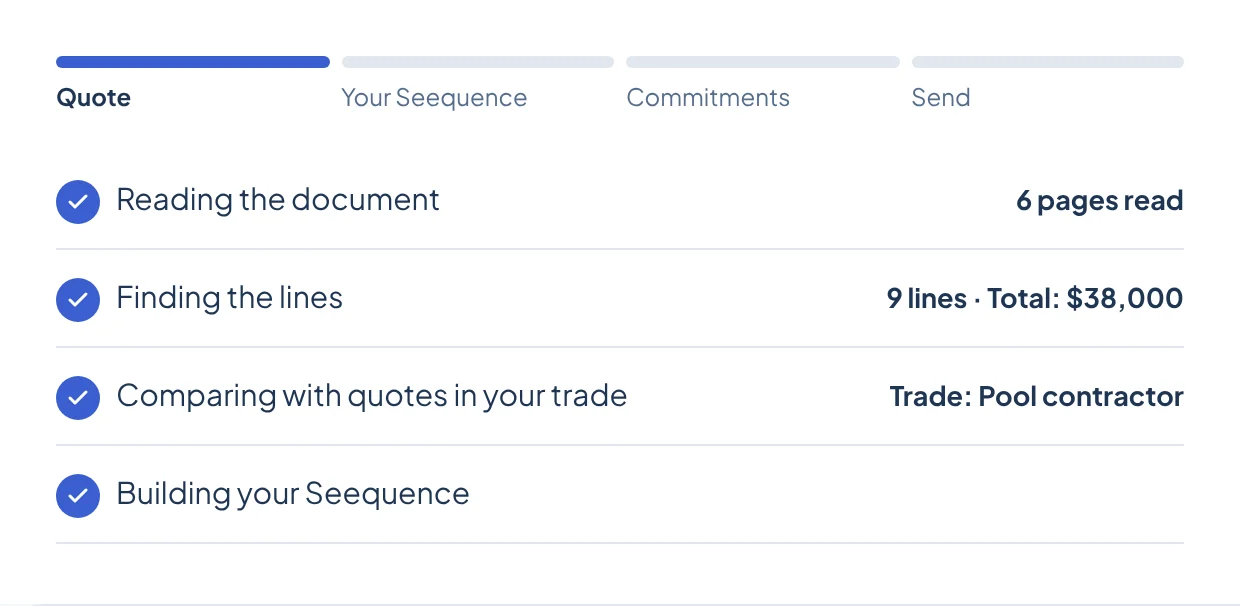
PDF, Word or image. In under a minute, no account needed. You follow each stage of the reading: the document, the lines, the comparison with quotes in your trade, then your Seequence.
Adjust each step.
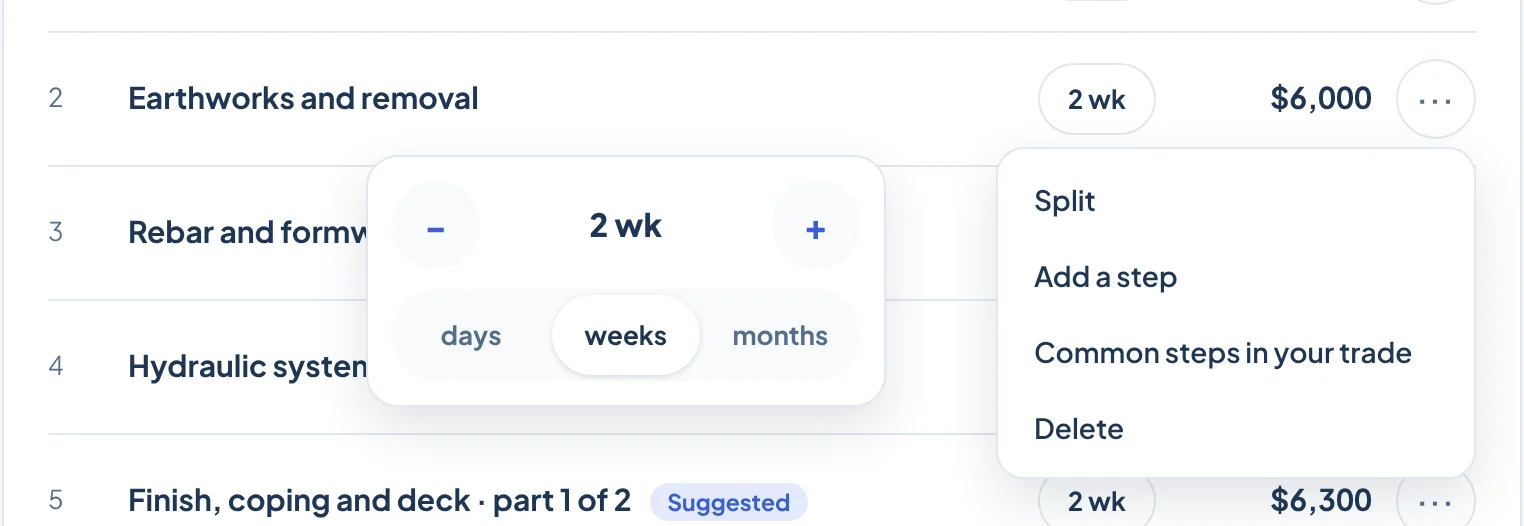
Split a step that runs too long. Add the one that's missing. Change a duration. Group the small lines paid on the same date. Your quote total never changes.
- 1Split
- 2Add a step
- 3Common steps in your trade
- 4Delete
- 5Days, weeks or months
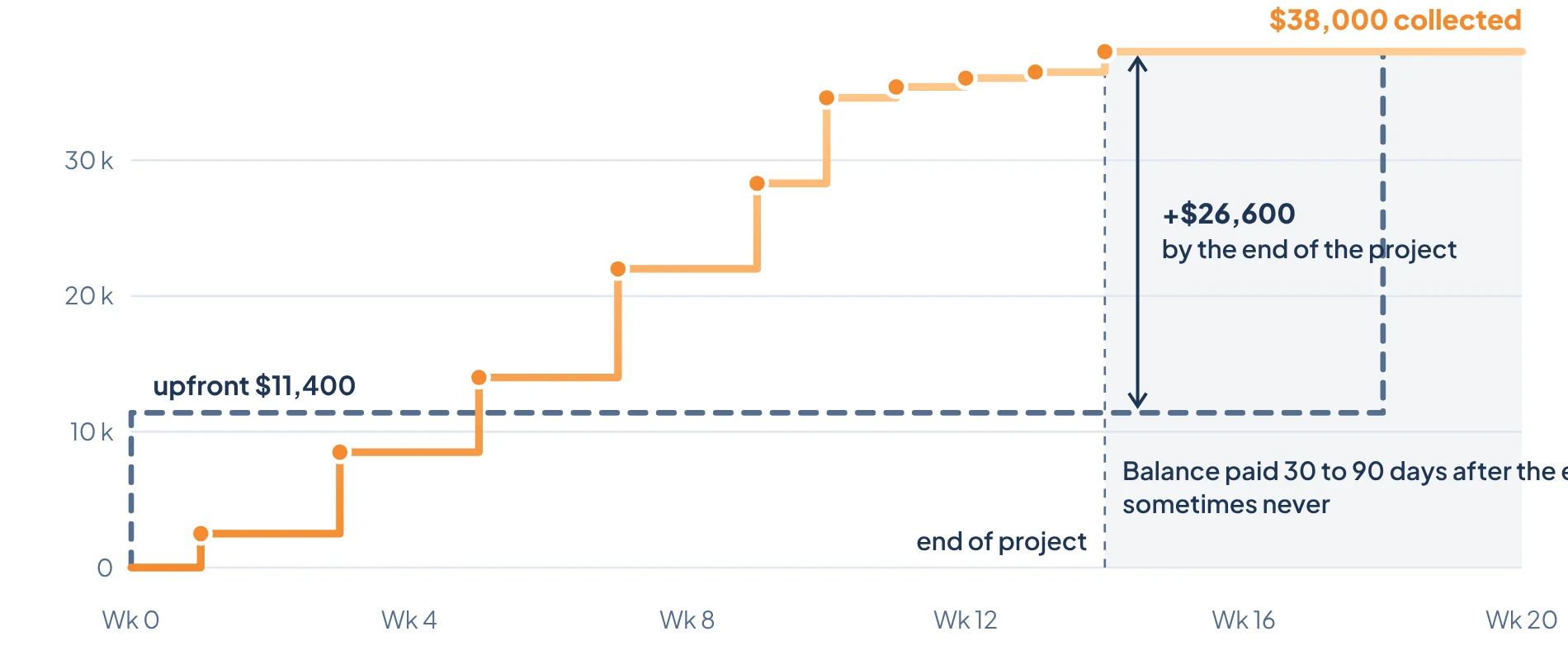
Watch your money come in as the project moves.
The curve shows what you collect step by step, compared with an upfront payment and a balance after the end.
Choose your commitments.
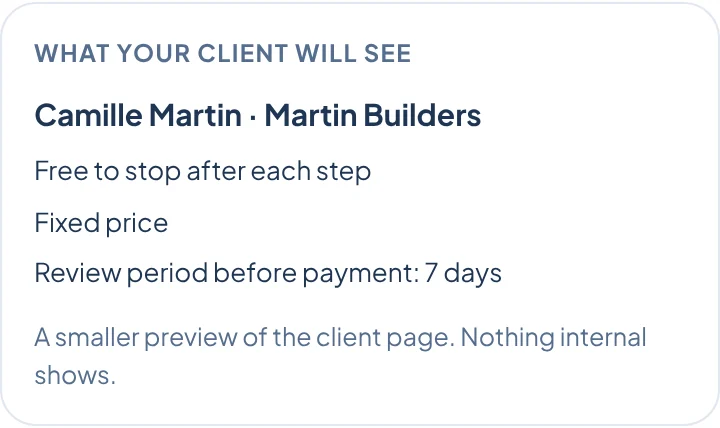
You check the ones you keep. Your client sees them in their Seequence.
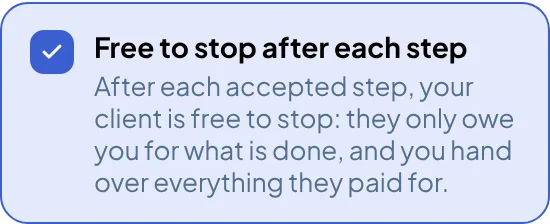
- Free to stop after each step
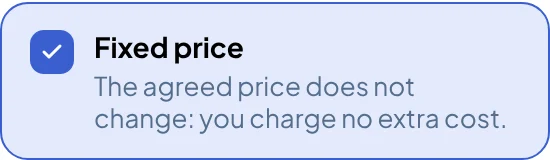
- Fixed price
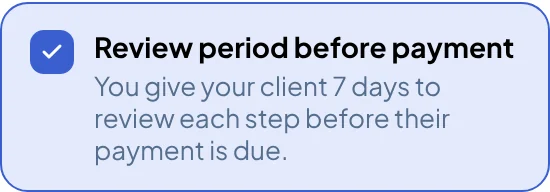
- Review period before payment
- Final payment after review
- Progress update, with proof
- Defects fixed before the next step
- Schedule commitment for each step
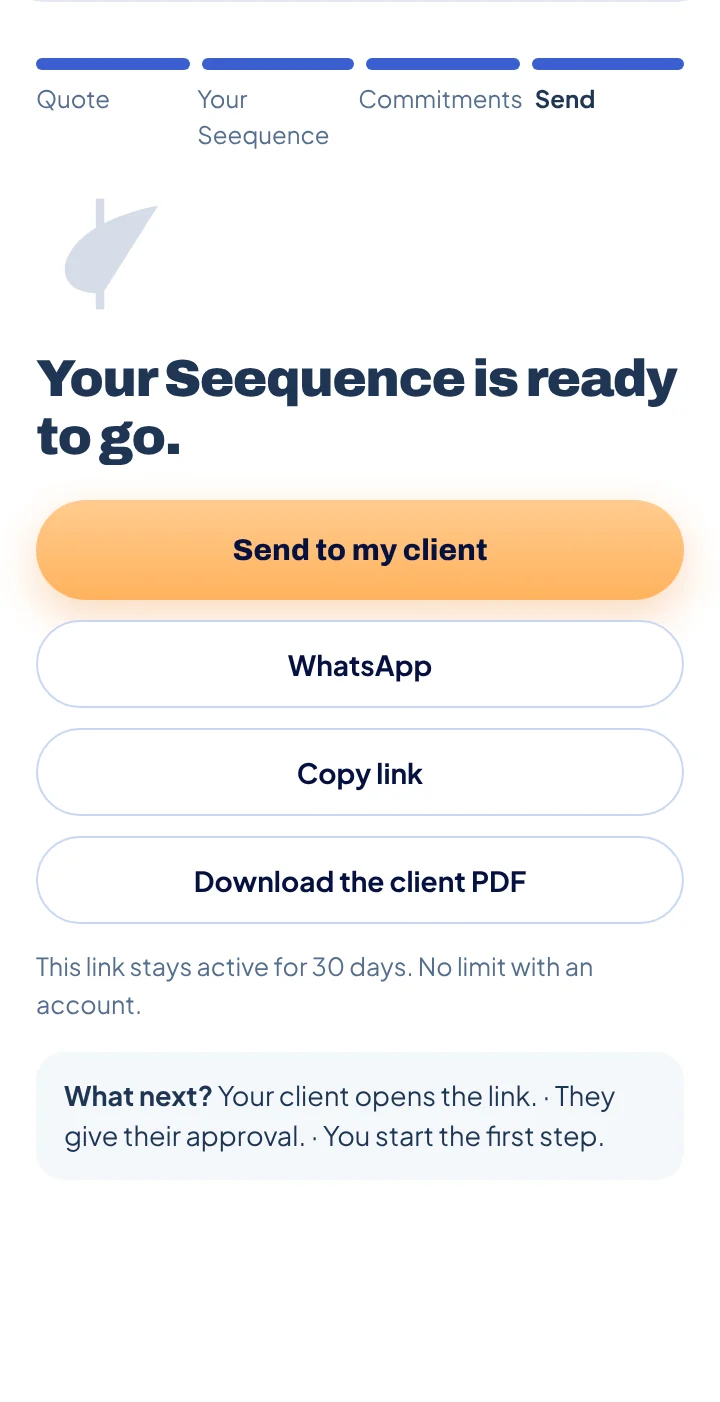
Send it however you like.
By email, WhatsApp, link or PDF. Your client opens the link, gives their approval, and you start the first step.
Your client says yes. Now each step has to move forward.
You can send everything yourself. Or let Seequency do it, with an account.
Seequency does it, with an account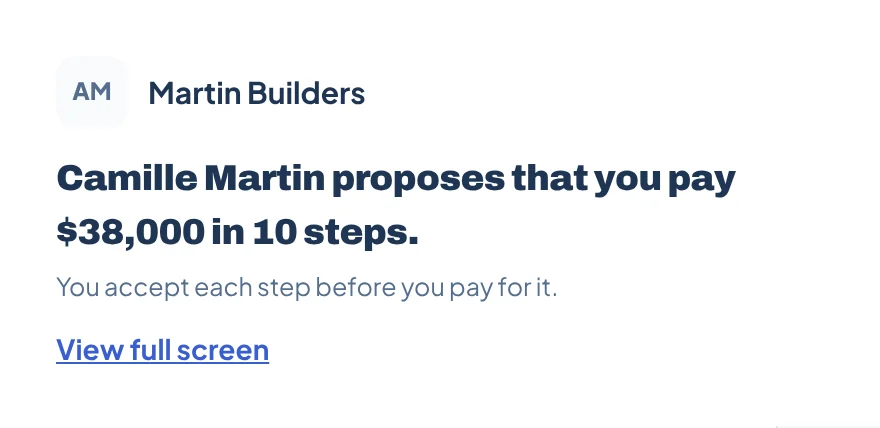
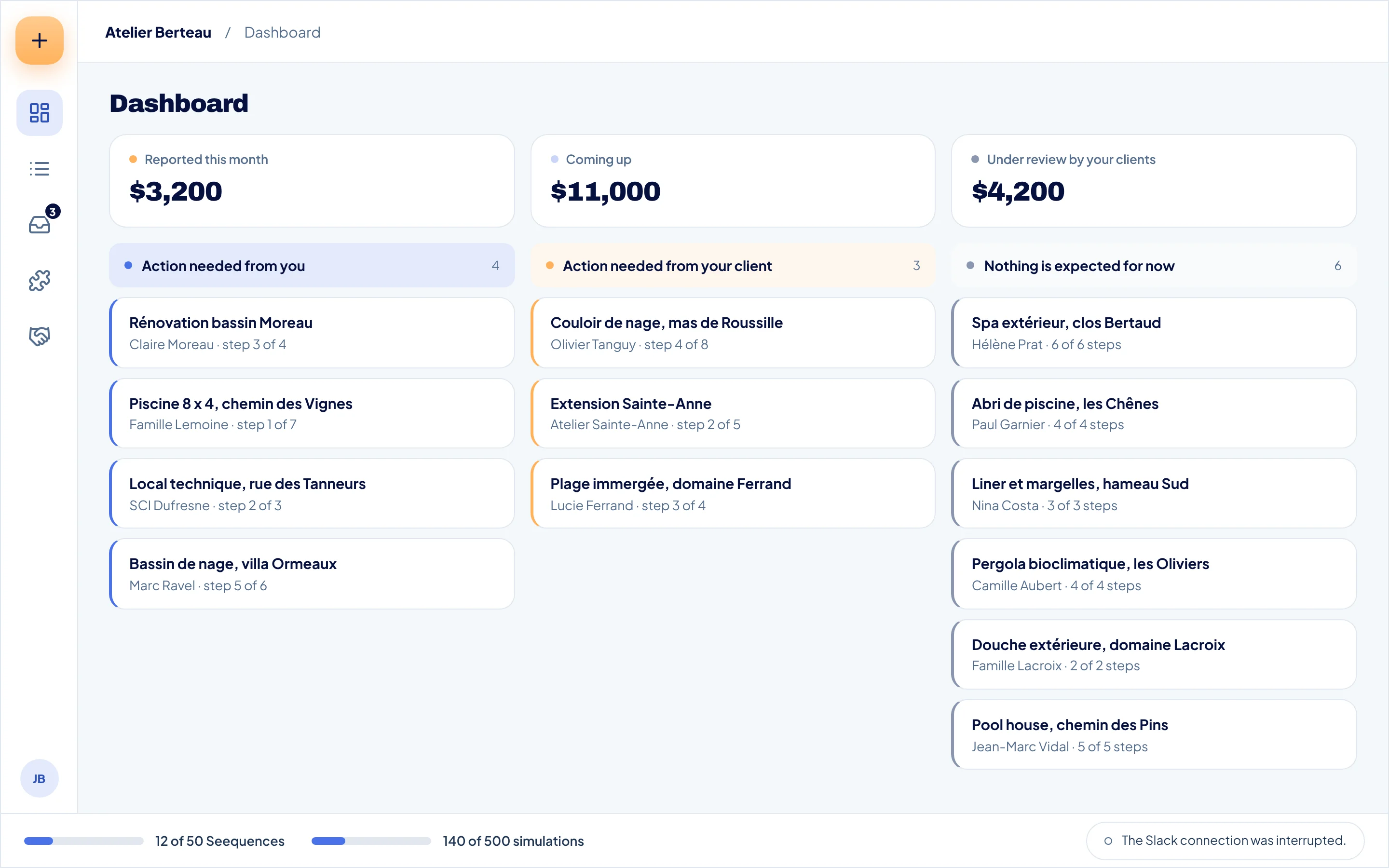
You know who needs to act.
Three columns: what's waiting on you, what's waiting on your client, and what moves forward without you.
Each step follows its path.
You declare the delivery. Your client reviews it within the set time, then accepts it. They report their payment, and you confirm it. At any time, you can propose a new version or stop a step.
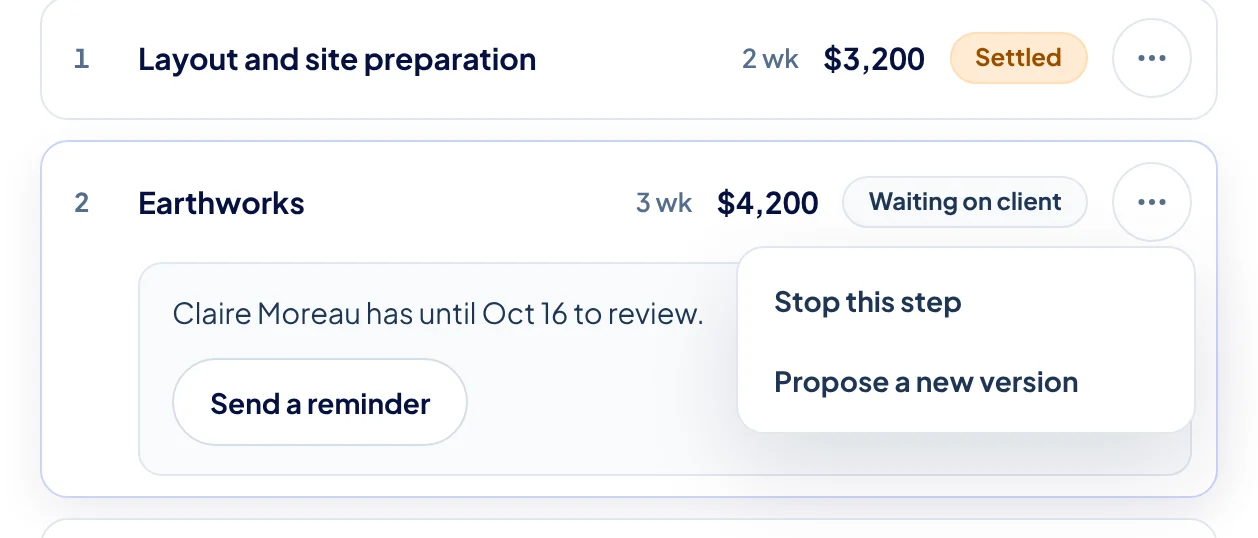
- 1Stop this step
- 2Propose a new version
- 3"Claire Moreau has until Oct 16 to review."
Everything is dated.
Delivery declared, delivery received, step accepted: every action has its date and its author. If you ever disagree, the history is there.




Your tools flag it. You decide.
A connected tool can flag that a step is ready. Nothing goes out without you. When a payment is confirmed, your accounting tool prepares what comes next.
See integrations →


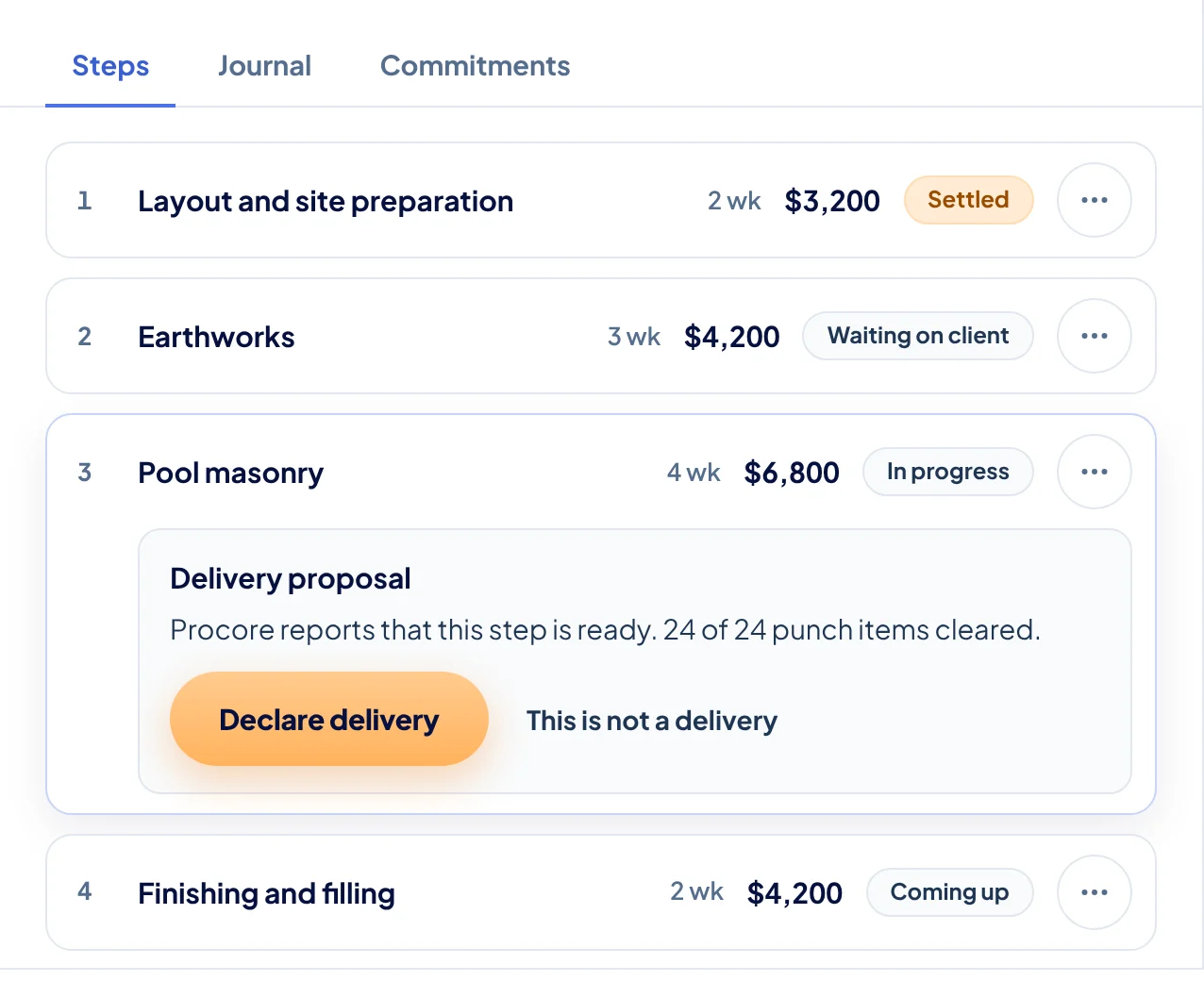
- 1"Procore reports that this step is ready."
- 2Declare delivery
- 3This is not a delivery
Your team uploads, you declare.
You assign a step to a team member. They upload the deliverable. You declare the delivery to your client.
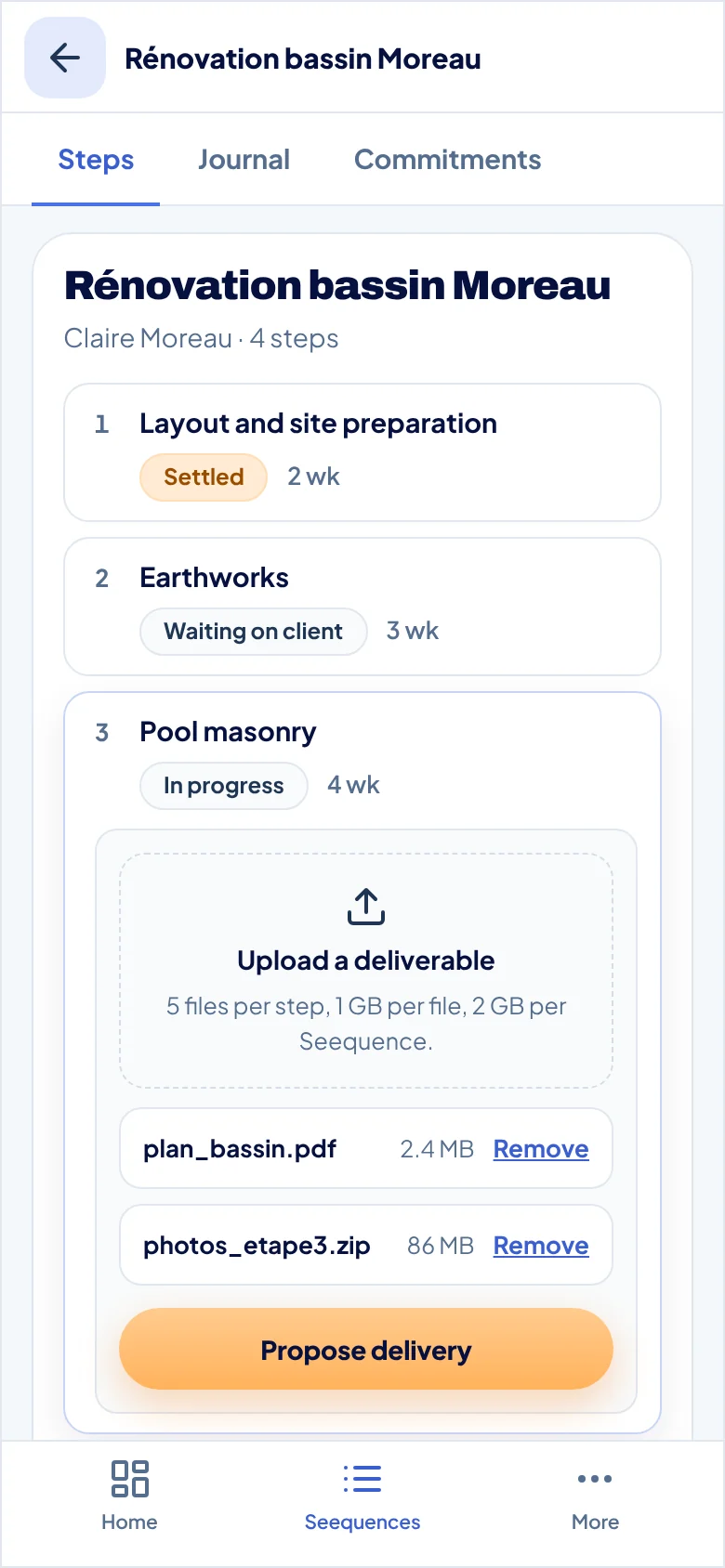
Depending on your plan, someone follows each step with you.
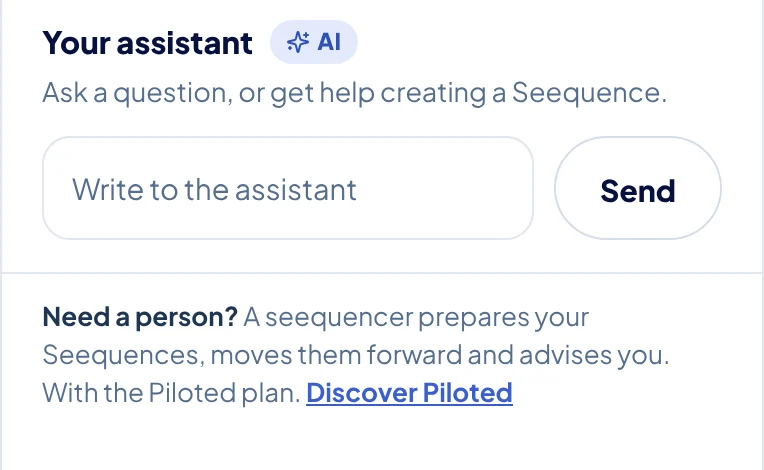
Your assistant.
Ask a question about a Seequence, and the assistant answers.
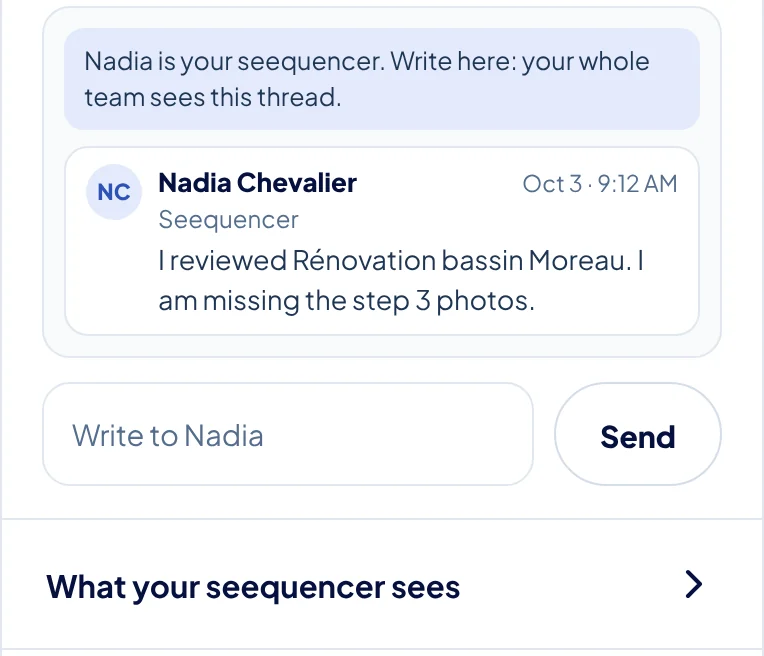
Your Seequencer.
A person moves your Seequences forward with you, and tells you what's waiting.
Frequently asked questions
No. You upload a quote, get your Seequence and send it without an account.
Yes. You split, add, delete or group steps, and change their durations. The total never changes.
30 days. No limit with an account.
Directly to you, with their usual payment methods. They report their payment, and you confirm it.
As an option, the step is considered approved by your client if there's no response within the time you set.